Using API from MyAnimeList and making a Database
Our goal is ultimately :
use api from myanimelist.com to gather data about certain forum posts with the keywords and do a sentimental analysis on it
02/11/2023
1. First there is a need to get the access token from the MAL site.
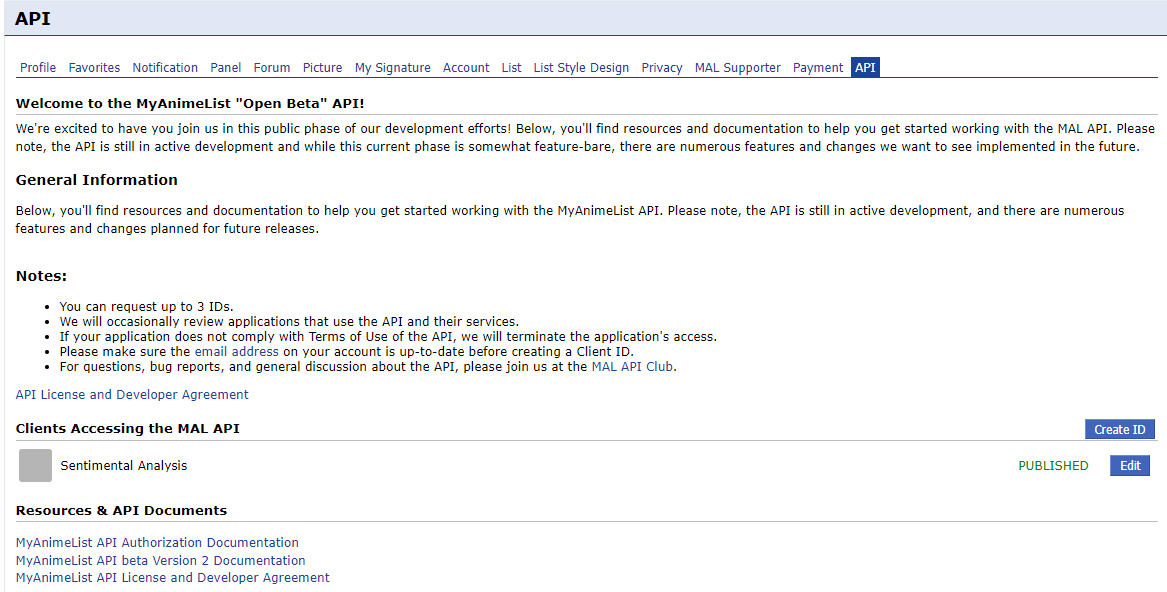
A Sample code was given by another user that allows other users to easily create keys for the API uses:
import json
import requests
import secrets


CLIENT_ID = 'Client ID can be found on the settings Access to MyAnimeList API'
CLIENT_SECRET = 'YOUR CLIENT SECRET'


# 1. Generate a new Code Verifier / Code Challenge.
def get_new_code_verifier() -> str:
    token = secrets.token_urlsafe(100)
    return token[:128]


# 2. Print the URL needed to authorise your application.
def print_new_authorisation_url(code_challenge: str):
    global CLIENT_ID

    url = f'https://myanimelist.net/v1/oauth2/authorize?response_type=code&client_id={CLIENT_ID}&code_challenge={code_challenge}'
    print(f'Authorise your application by clicking here: {url}\n')


# 3. Once you've authorised your application, you will be redirected to the webpage you've
#    specified in the API panel. The URL will contain a parameter named "code" (the Authorisation
#    Code). You need to feed that code to the application.
def generate_new_token(authorisation_code: str, code_verifier: str) -> dict:
    global CLIENT_ID, CLIENT_SECRET

    url = 'https://myanimelist.net/v1/oauth2/token'
    data = {
        'client_id': CLIENT_ID,
        'code': authorisation_code,
        'code_verifier': code_verifier,
        'grant_type': 'authorization_code'
    }

    response = requests.post(url, data)
    response.raise_for_status()  # Check whether the request contains errors

    token = response.json()
    response.close()
    print('Token generated successfully!')

    with open('token.json', 'w') as file:
        json.dump(token, file, indent = 4)
        print('Token saved in "token.json"')

    return token


# 4. Test the API by requesting your profile information
def print_user_info(access_token: str):
    url = 'https://api.myanimelist.net/v2/users/@me'
    response = requests.get(url, headers = {
        'Authorization': f'Bearer {access_token}'
        })

    response.raise_for_status()
    user = response.json()
    response.close()

    print(f"\n>>> Greetings {user['name']}! <<<")


if __name__ == '__main__':
    code_verifier = code_challenge = get_new_code_verifier()
    print_new_authorisation_url(code_challenge)

    authorisation_code = input('Copy-paste the Authorisation Code: ').strip()
    token = generate_new_token(authorisation_code, code_verifier)

    print_user_info(token['access_token'])
This code creates a token.json file with the following format:

After all the authentication process is done, we are ready to use the API.
API link : https://myanimelist.net/apiconfig/references/api/v2
Experimenting with the API + accessing the sqlite3 database on VSCode:
import sqlite3
import requests
import json

with open('token.json', 'r') as f:
    auth_data = json.load(open('token.json', 'r'))

headers = {
    'Authorization' : 'Bearer ' + auth_data['access_token']
}

response = requests.get("https://api.myanimelist.net/v2/users/tt7703ok/animelist?fields=list_status&limit=10", headers=headers)
data = response.json()

conn = sqlite3.connect('anime.db')
c = conn.cursor()

c.execute('''
    CREATE TABLE IF NOT EXISTS anime_list (
        id INTEGER PRIMARY KEY AUTOINCREMENT,
        name TEXT,
        score INTEGER,
        status TEXT
    )
        ''')

print(data)
for anime in data['data']:
    c.execute("""
        INSERT OR IGNORE INTO anime_list (id, name, score, status)
        VALUES   (?, ?, ?, ?)
    """, (anime['node']['id'], anime['node']['title'], anime['list_status']['score'], anime['list_status']['status']))


conn.commit()
conn.close()
Running this code will result creating a database called anime.db, and call the 10 anime from the user tt7703ok's list in alphabetical order.